 Cozy
CozyMacBook Home Screen Ideas: 12 Layouts That Look Finished
Twelve MacBook home screen ideas, each one a complete scene with matching folders and widgets.
The best MacBook home screen ideas look finished, not just decorated. Pick one scene, let your folders become part of it, and keep widgets in the same style. Here are twelve MacBook home screen layouts where the wallpaper, folder icons and widgets were drawn together, so each one works as a complete look.
On a Mac, the "home screen" is your desktop: the wallpaper, the folders you keep on it and any desktop widgets. Every idea below works on MacBook Air, MacBook Pro, MacBook Neo and iMac.
Retro and Y2K
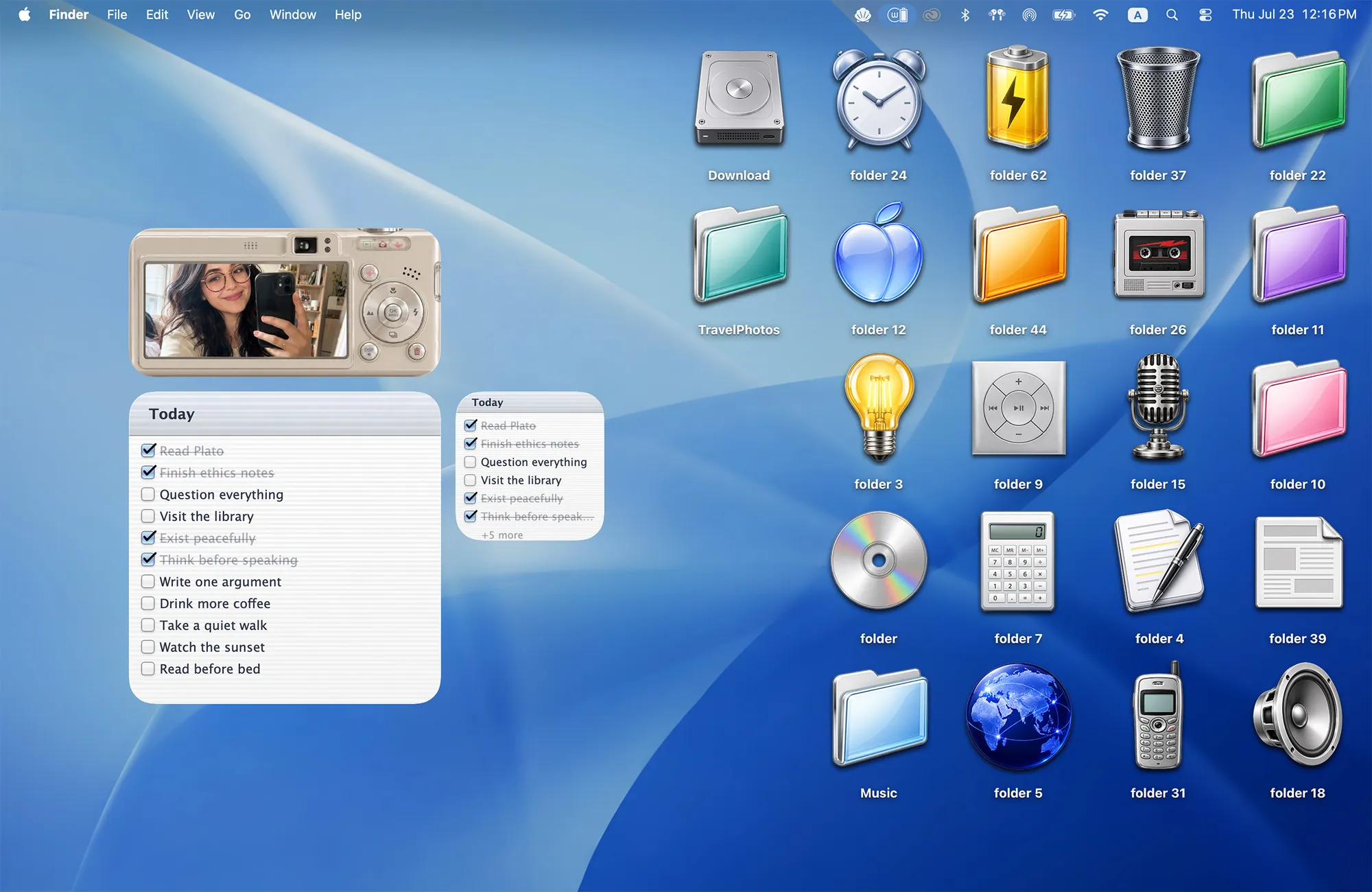
1. Glossy 2000s desktop
Y2K Aesthetic brings back chrome folders, a CD, a flip phone and a digicam photo widget.
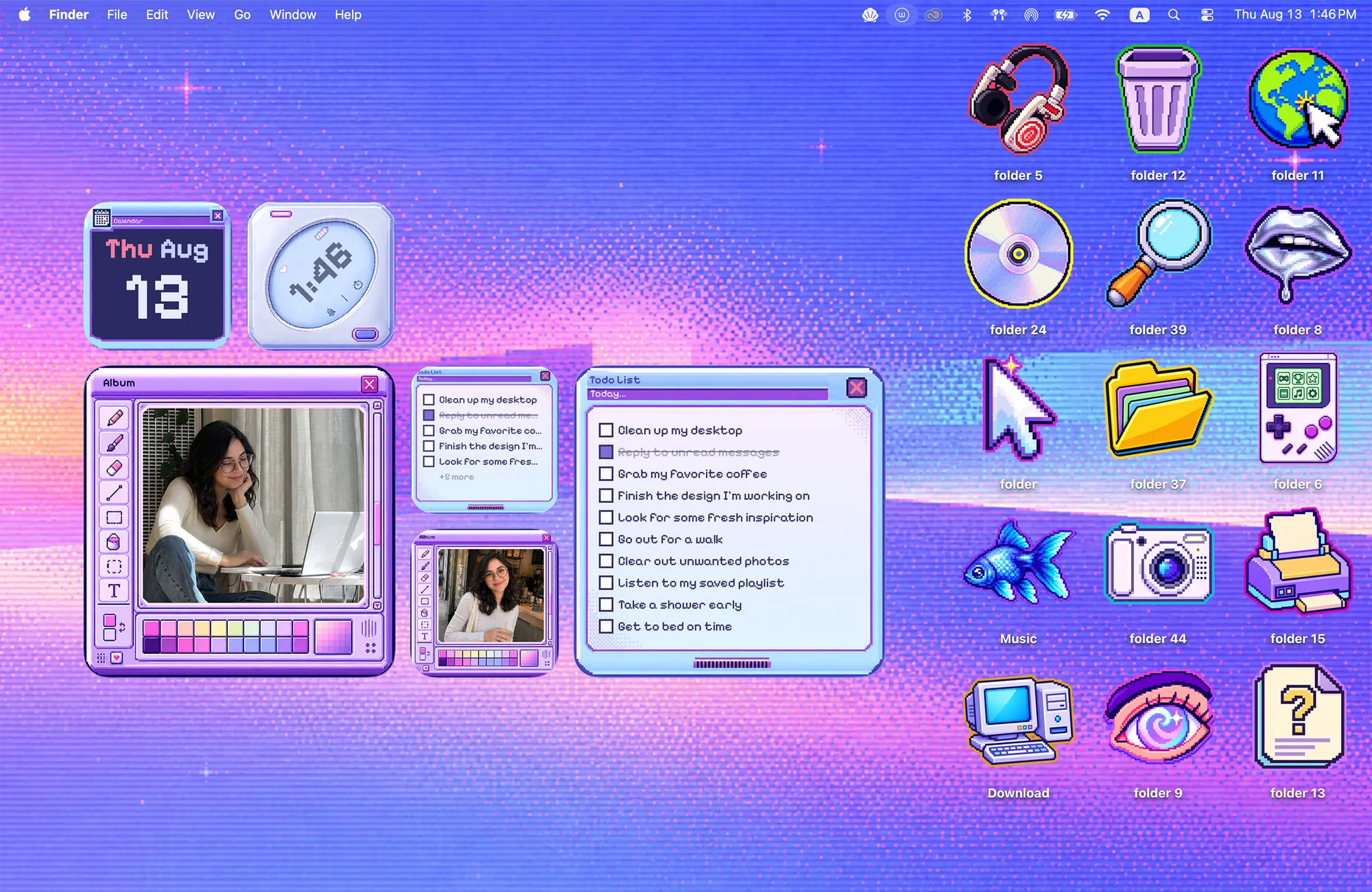
2. Violet cybercore sky
Cyber Dream is a pixel sky with six widgets that look like old OS windows.
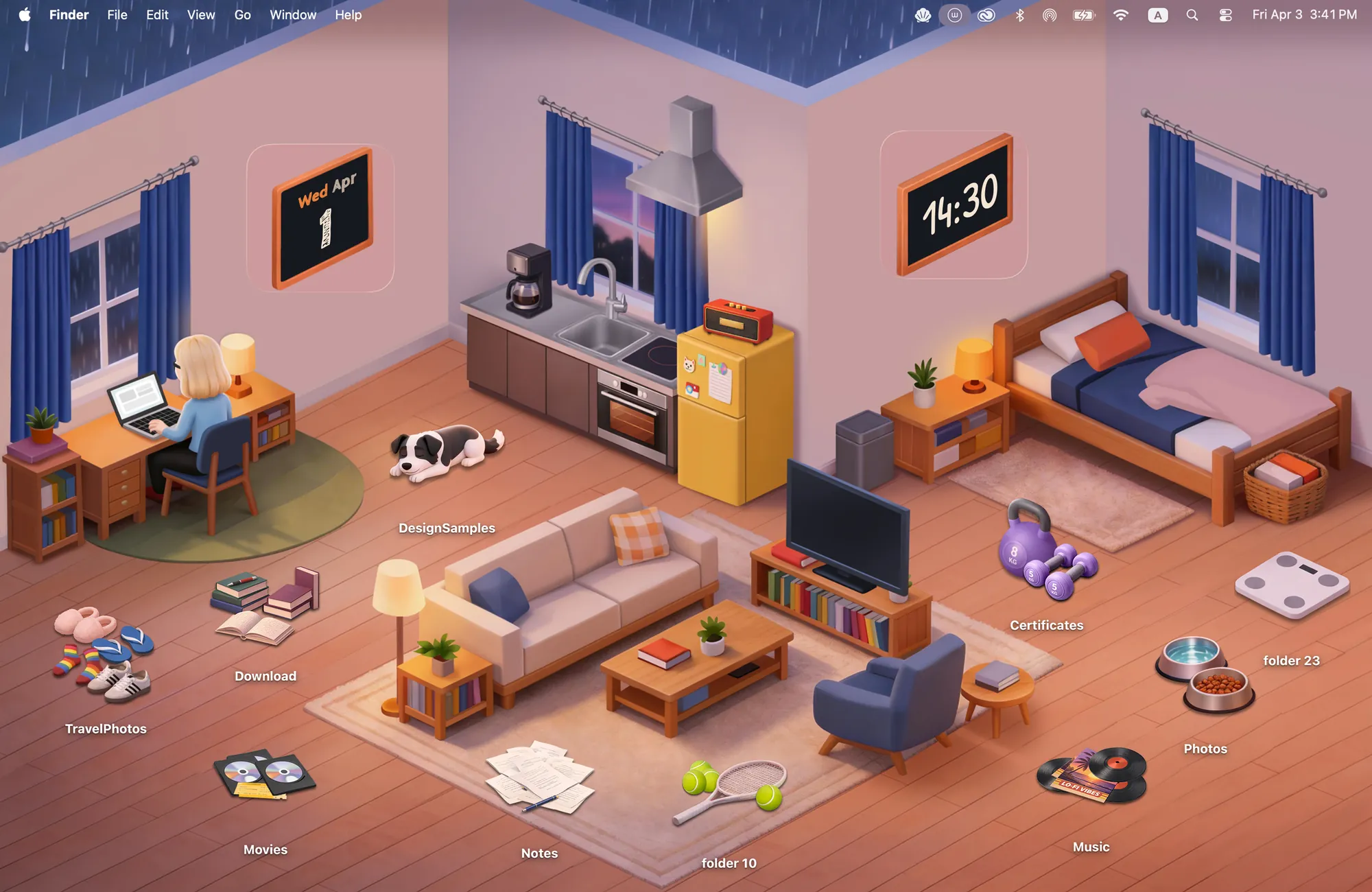
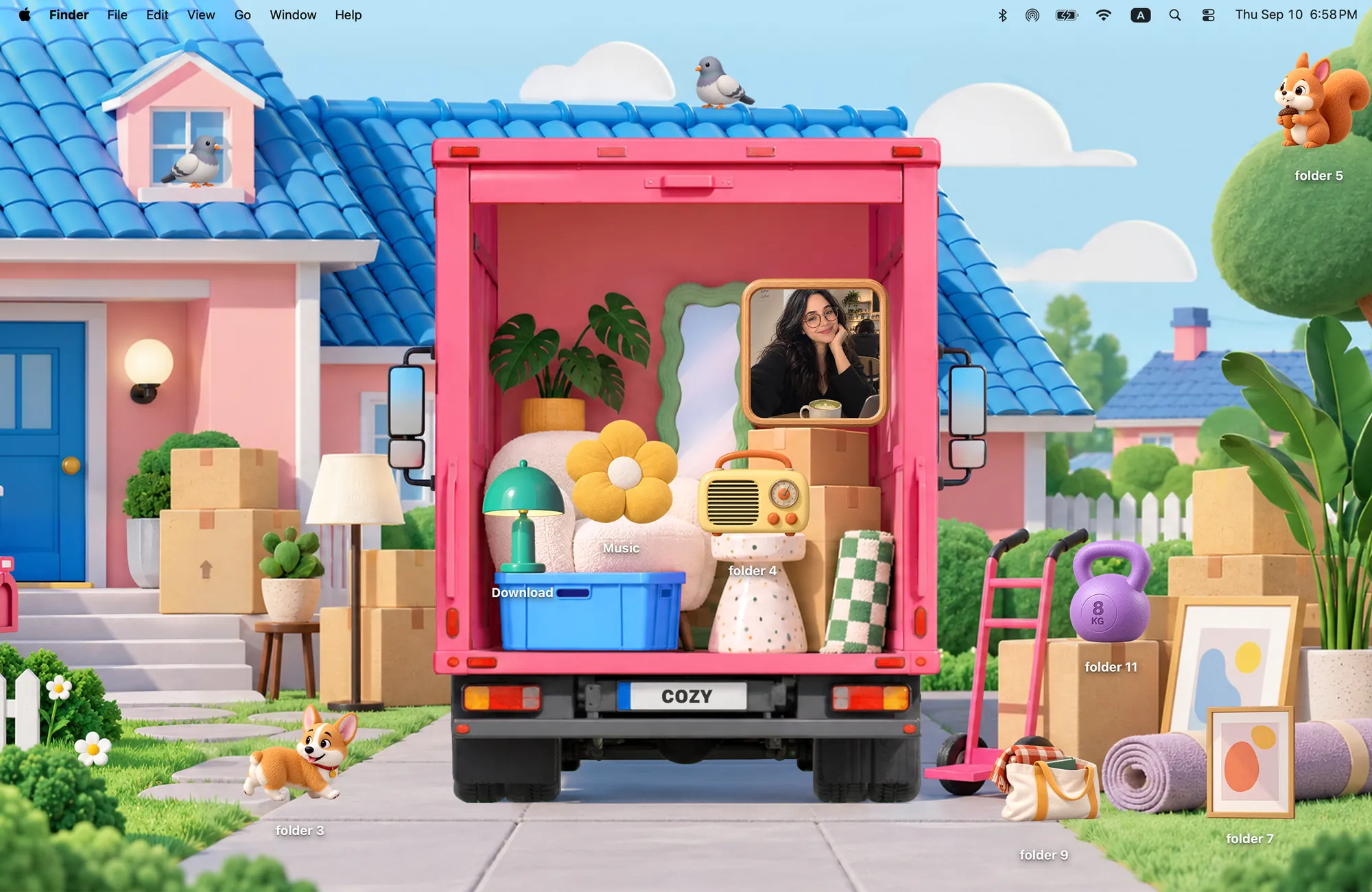
4. Moving into a new place
Moving Day is a pink moving truck and a photo frame to unpack.
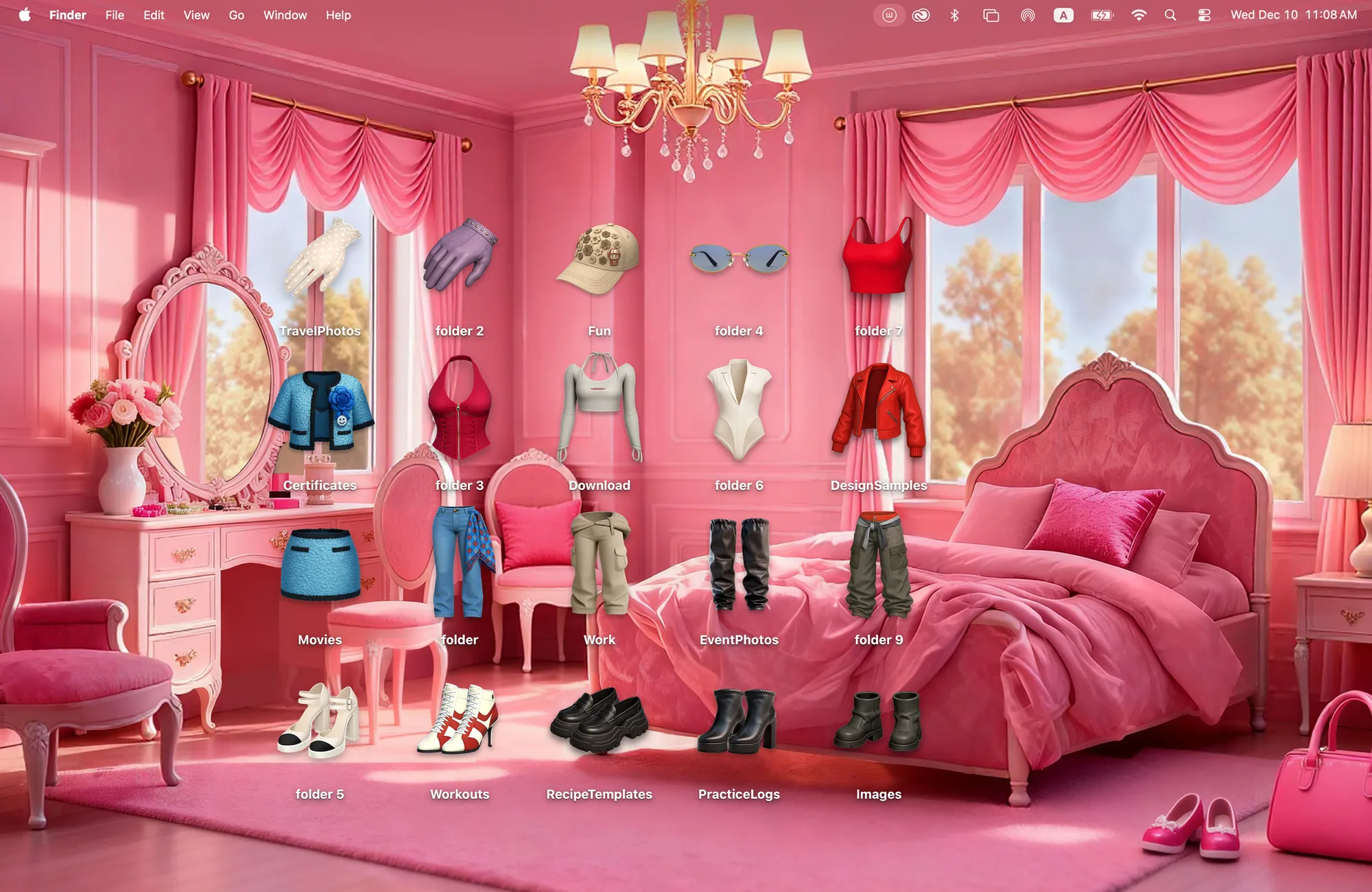
5. A pink closet
Pink Room turns folders into tops, shoes and accessories.
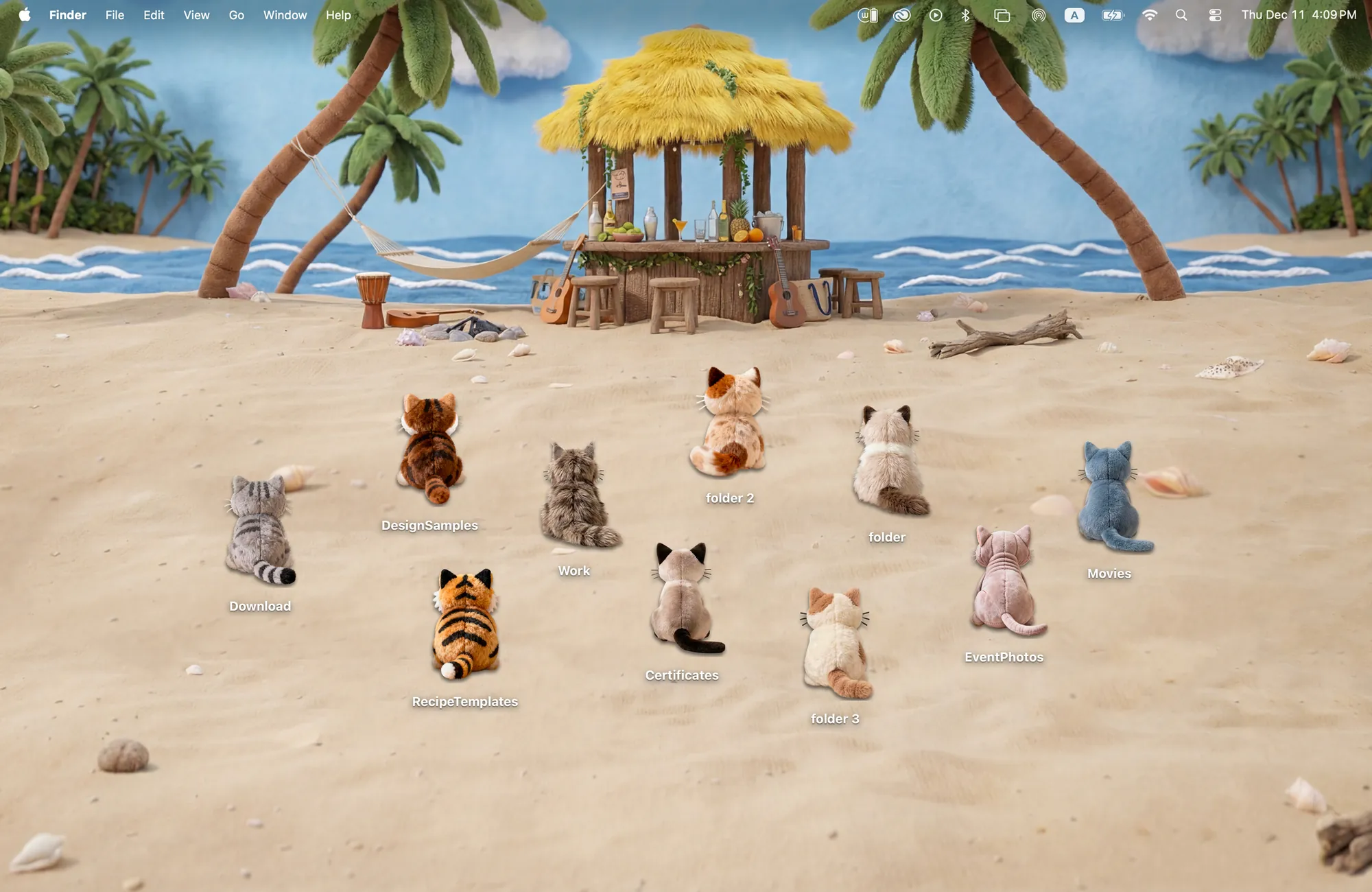
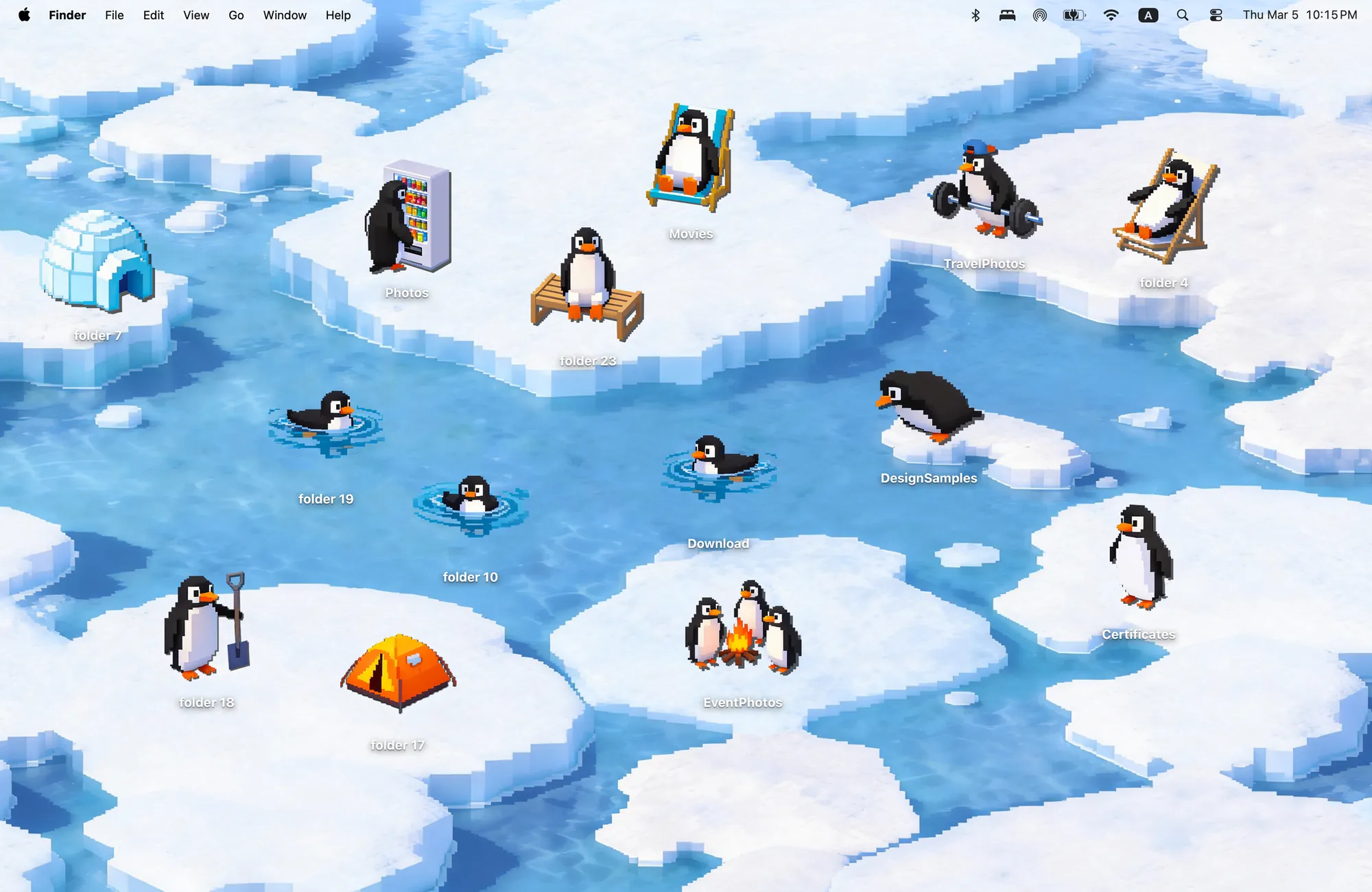
7. Penguins with hobbies
Penguin Island: one penguin lifts weights, three refuse to leave the campfire.
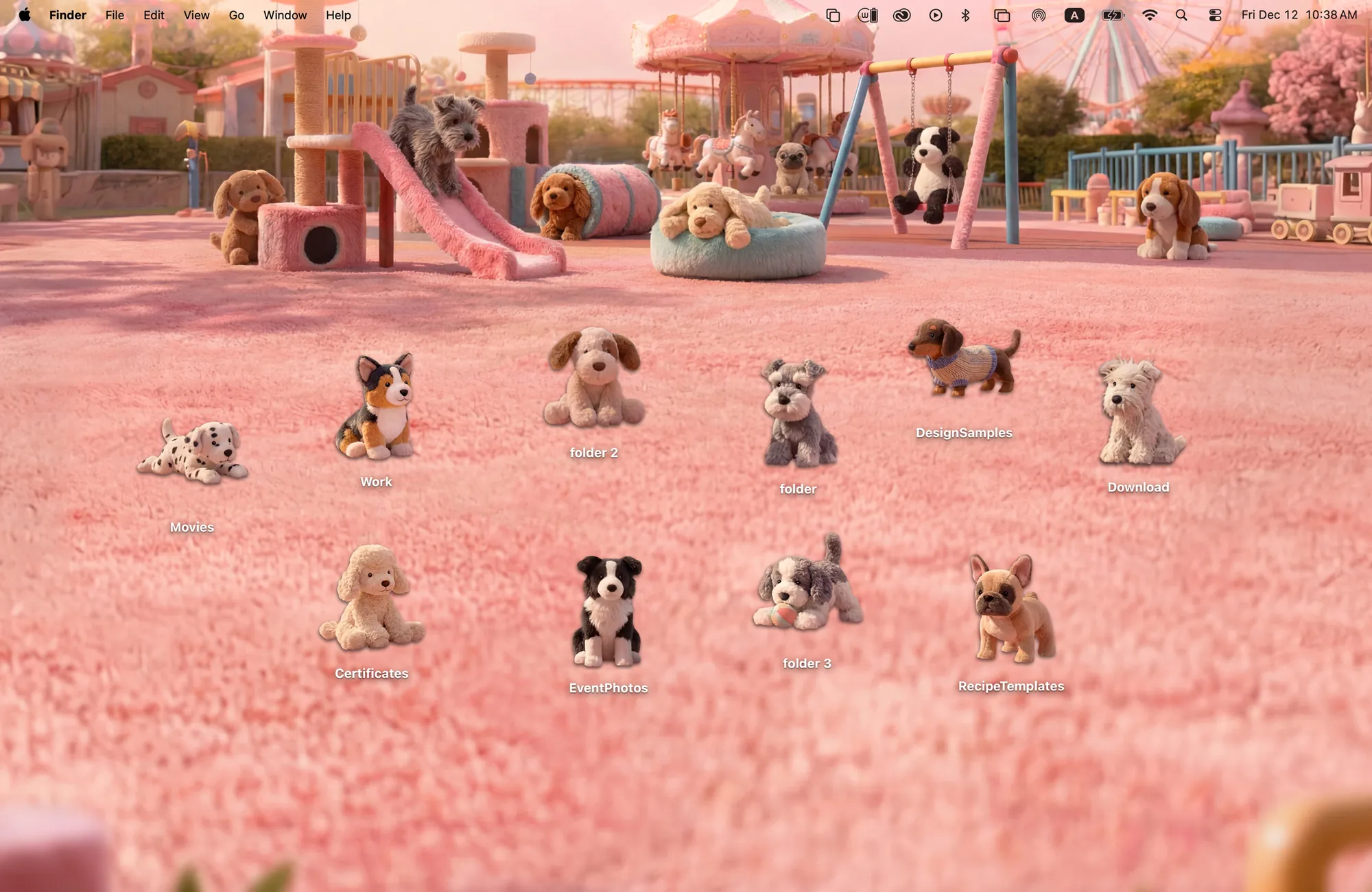
8. A pink puppy park
Puppy Playground: ten stuffed puppies on slides and swings.
Soft and artistic
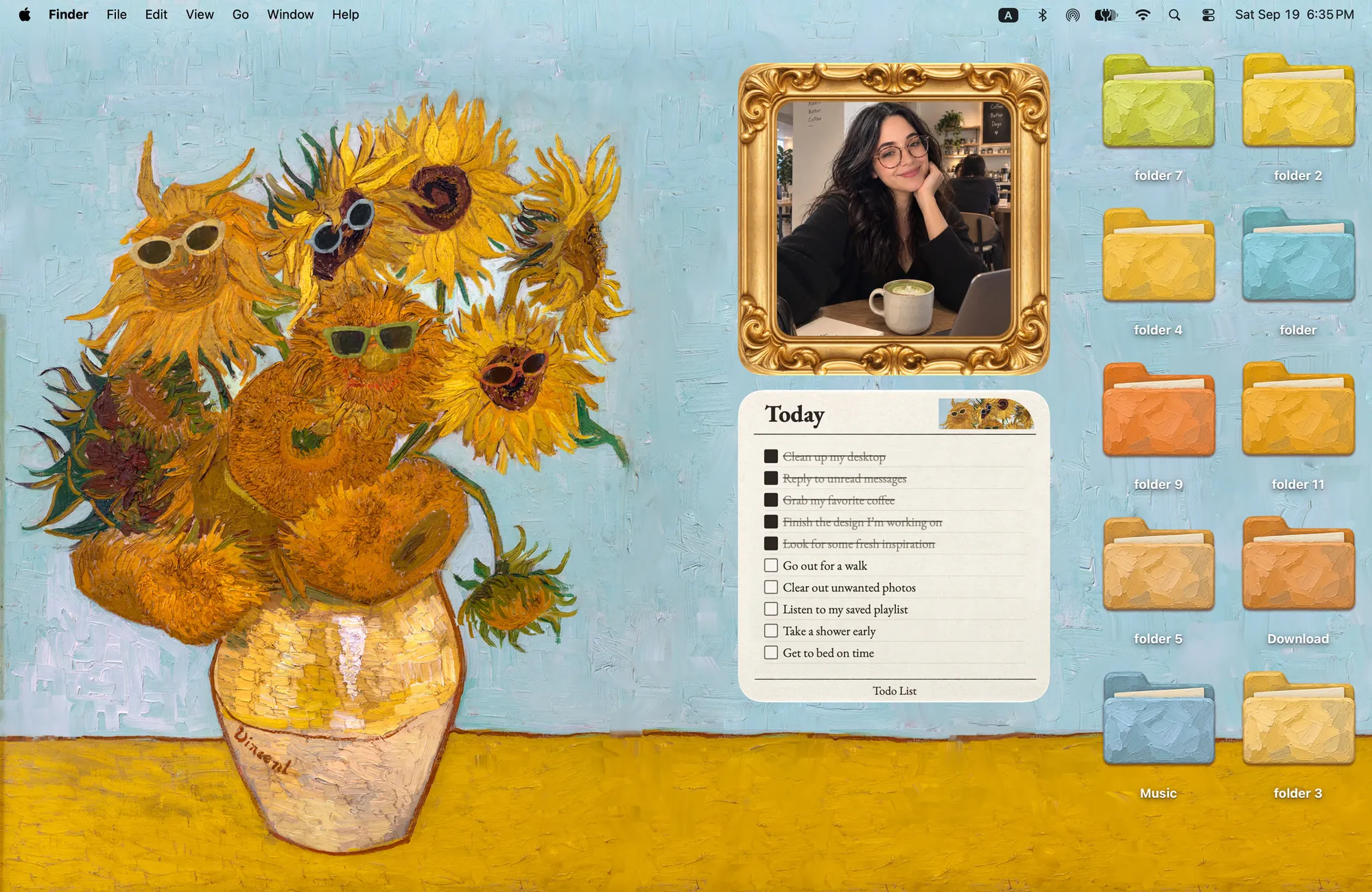
9. Van Gogh in sunglasses
Sunflowers in Shades: oil-paint folders, a gold frame and a to-do card.
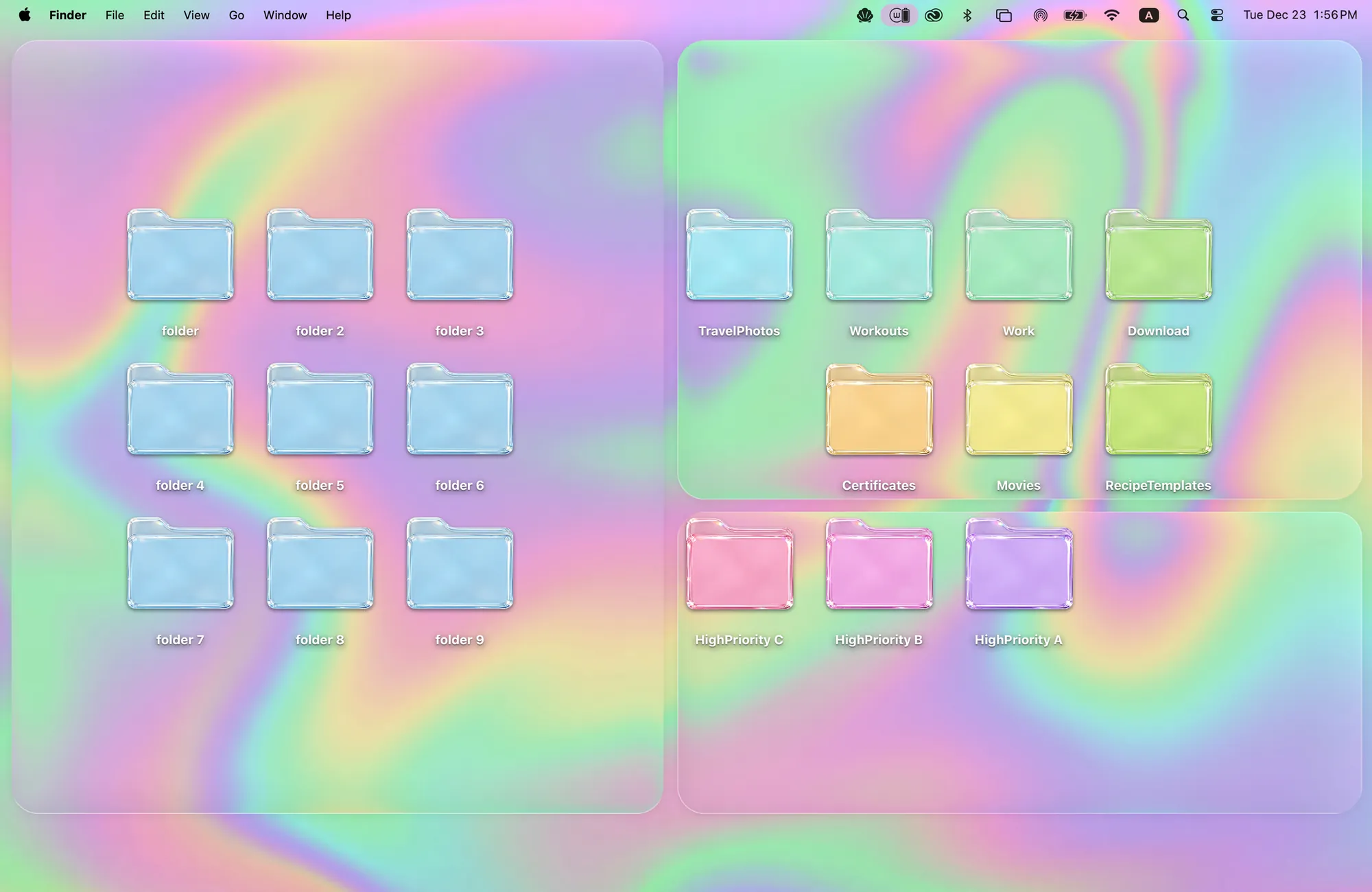
10. Pastel glass
Candy Glass: see-through folders that pick up the wallpaper's color.
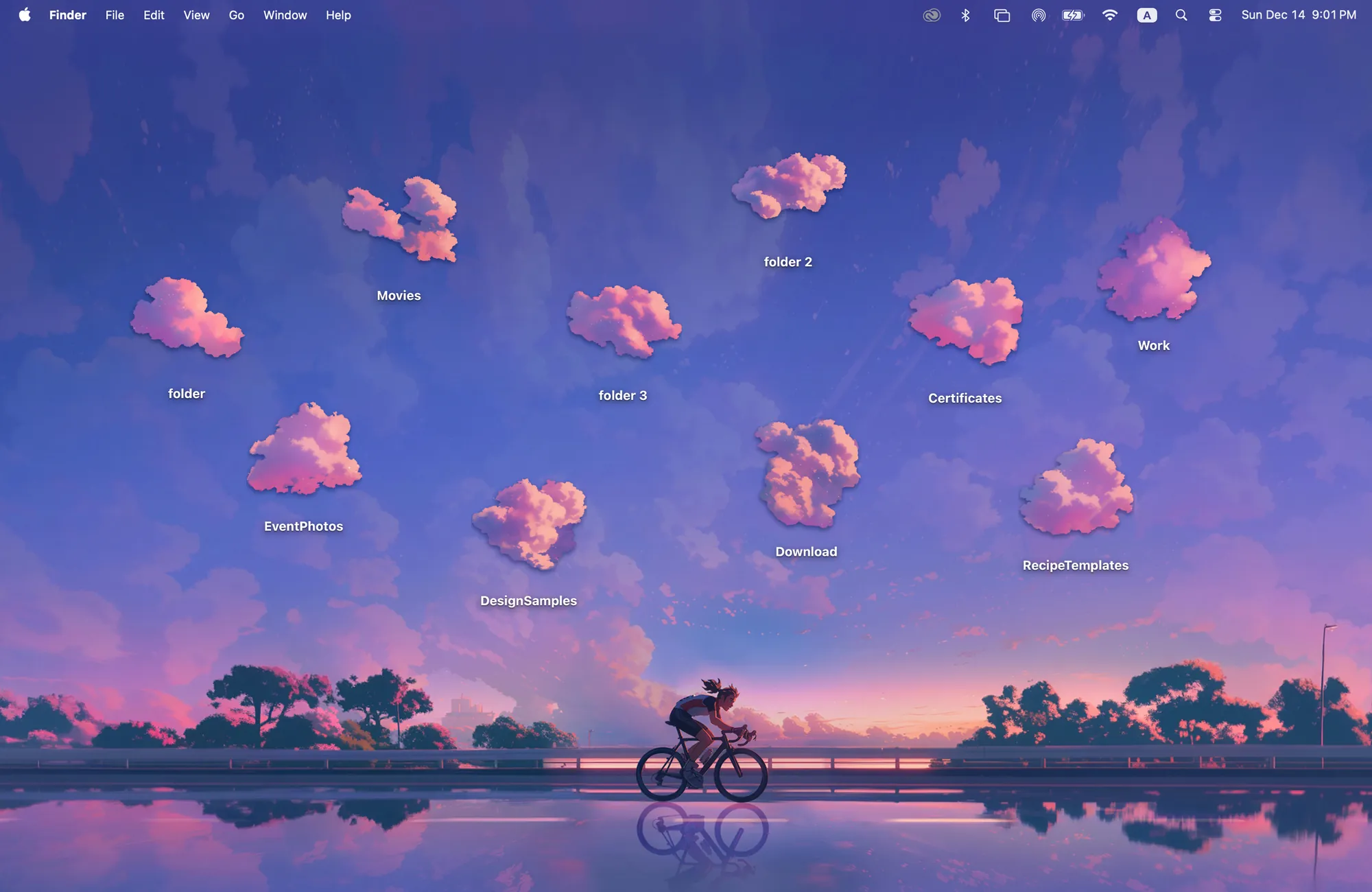
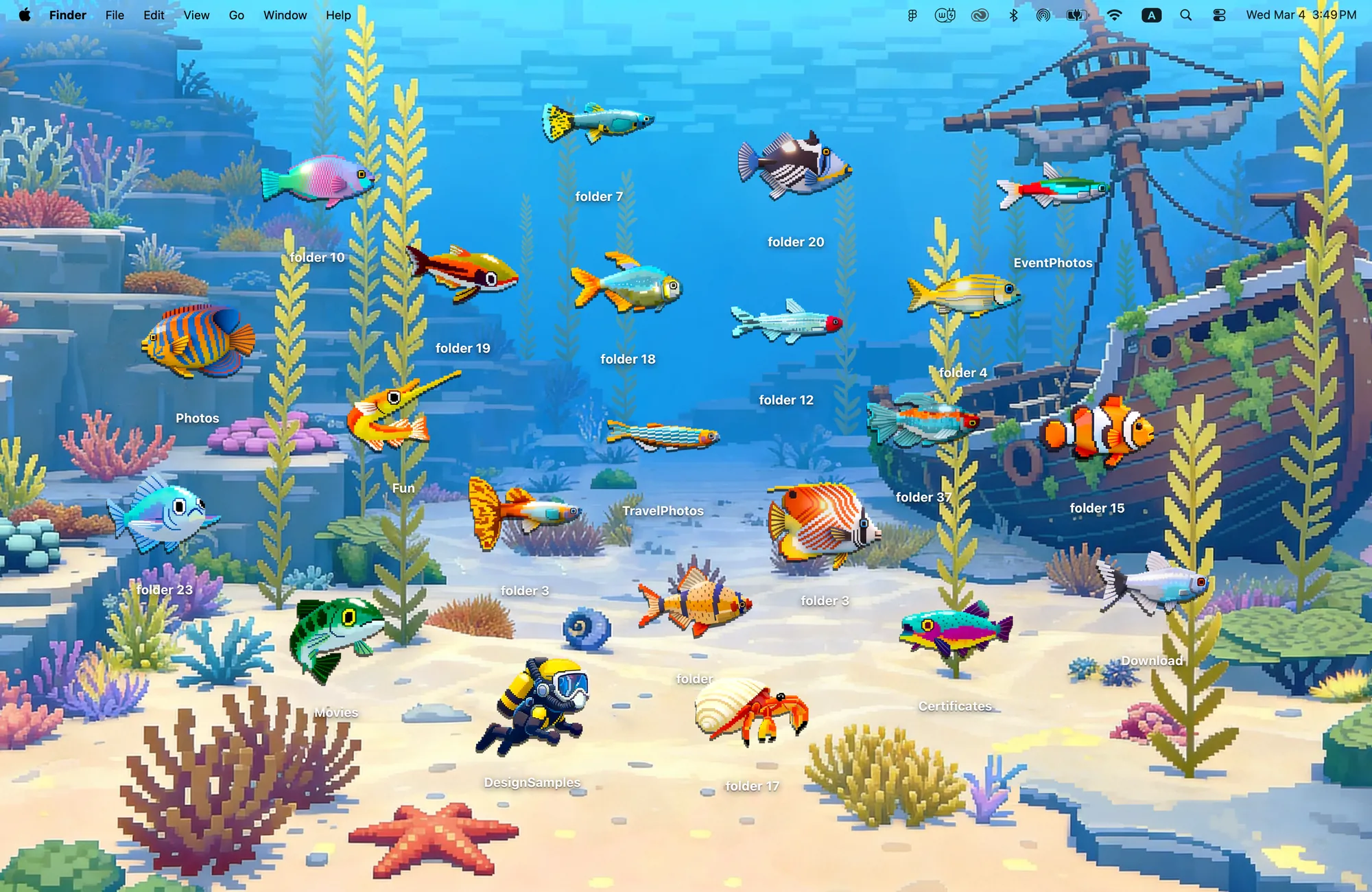
12. A pixel reef
Deep Dive: 22 pixel creatures hiding in the coral.
How to lay out a MacBook home screen
| Layout | Works best with | Tip |
|---|---|---|
| Scattered | Scenes with lots of space, like rooms and meadows | Place folders where the object would really be |
| Grid | Color folders like Rainbow Felt or Morandi | One color per project or class |
| Zones | Candy Glass | Use the soft zones for To do, Doing, Done |
| Corner | Busy wallpapers | Keep folders in one corner and widgets in another |
The Cozy way: design the whole home screen as one space
Most home screen ideas stack three separate things: a wallpaper from one place, icons from another and widgets from a third. Cozy treats your MacBook as a digital space and designs it the way you would design a room. Each theme's wallpaper and folder icons, plus widgets where the theme has them, are drawn together as one scene, so the layout looks finished the moment you apply it.
To try any of these, download Cozy from the Mac App Store, pick a theme and click Apply.
FAQ
What is the home screen on a MacBook?
On a Mac, the home screen is your desktop: the wallpaper, the folders on it and any desktop widgets.
How do I make my MacBook home screen aesthetic?
Pick one scene and keep icons and widgets in the same style. A theme app like Cozy changes all of them together in one click.
Get the whole look on your Mac
Cozy is free to try with Rainbow Felt. One purchase unlocks every theme, including new ones.
Download Cozy on the Mac App Store