 Cozy
Cute Mac desktops. Your folders are the animals.
Cats at a campsite, puppies in a plush park, penguins on the ice. Choose an animal desktop where the folder icons belong in the scene.
If you love cats or dogs, a cute MacBook desktop can do more than put a pet picture behind your files. In Cozy, the animals can be the files’ folder icons: kittens sit on a beach, puppies fill a playground, and penguins camp on ice floes. The wallpaper and icons share the same materials, lighting and drawing style, so they look like one scene.
For cat lovers: a camping trip or a beach day
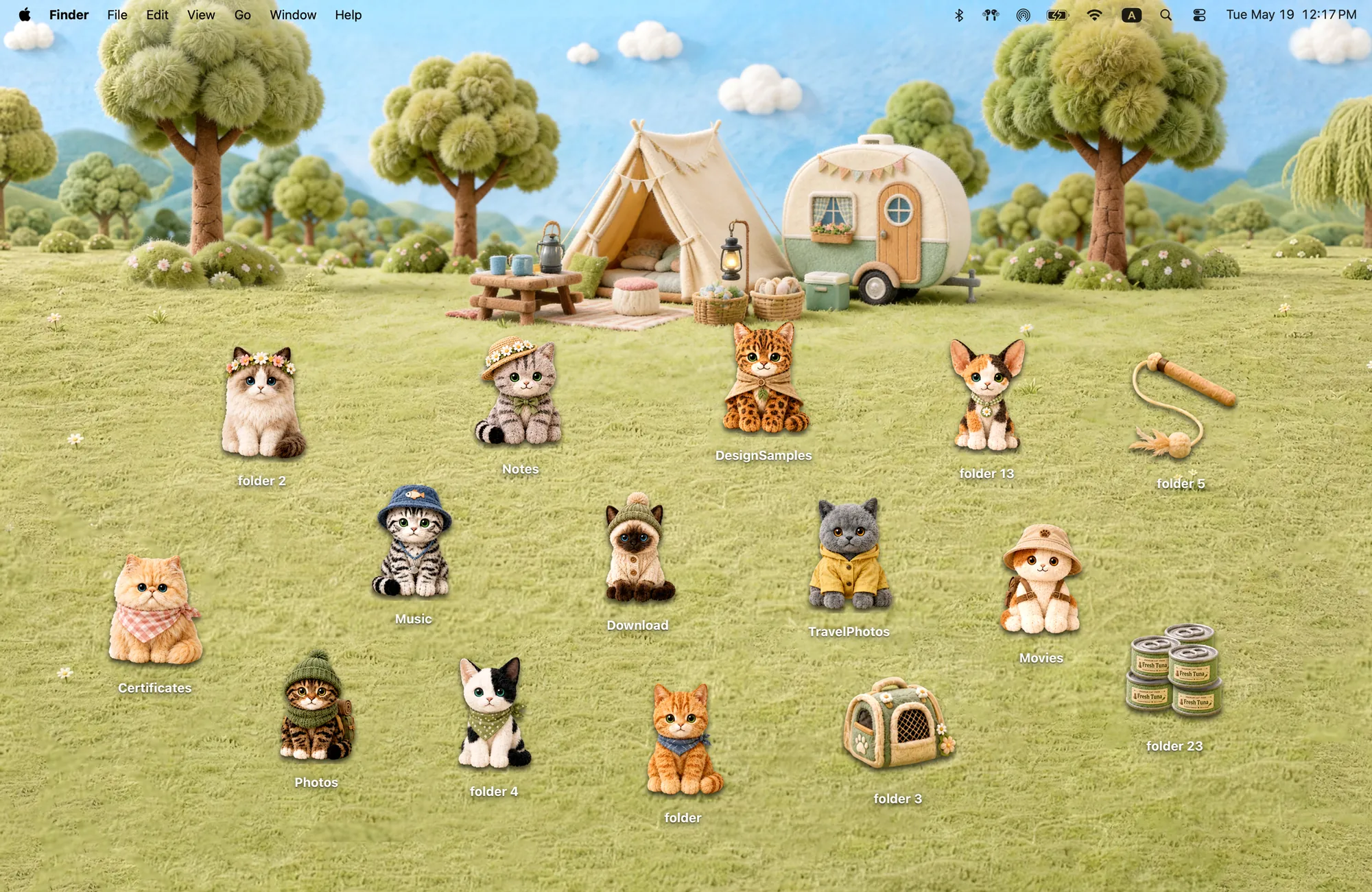
Camp Kitties puts 12 cats in hats, scarves and outdoor clothes around a felt campsite. Three camping-gear icons complete the 15-icon set. You can put a folder beside the tent or gather the cats around the picnic area; the soft grass and the cats’ felt textures match.
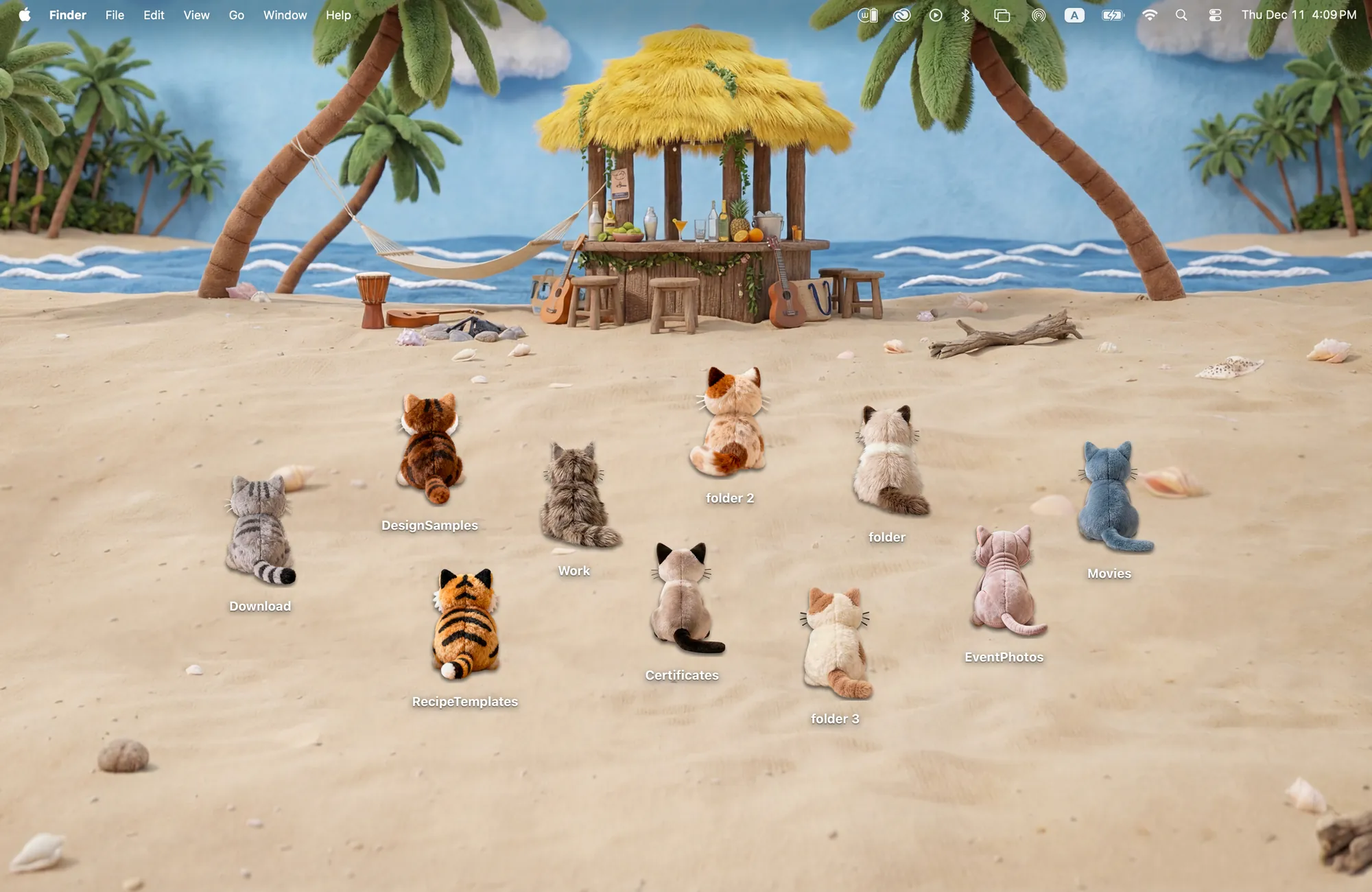
Prefer a quieter picture? Seaside Kitties has ten plush kittens facing the sea. Their backs turn toward the water, so a line of folders becomes a row of cats watching the waves. Choose the campsite for little characters and accessories, or the beach for a simpler, sandy background.
For dog lovers: give your folders a playground
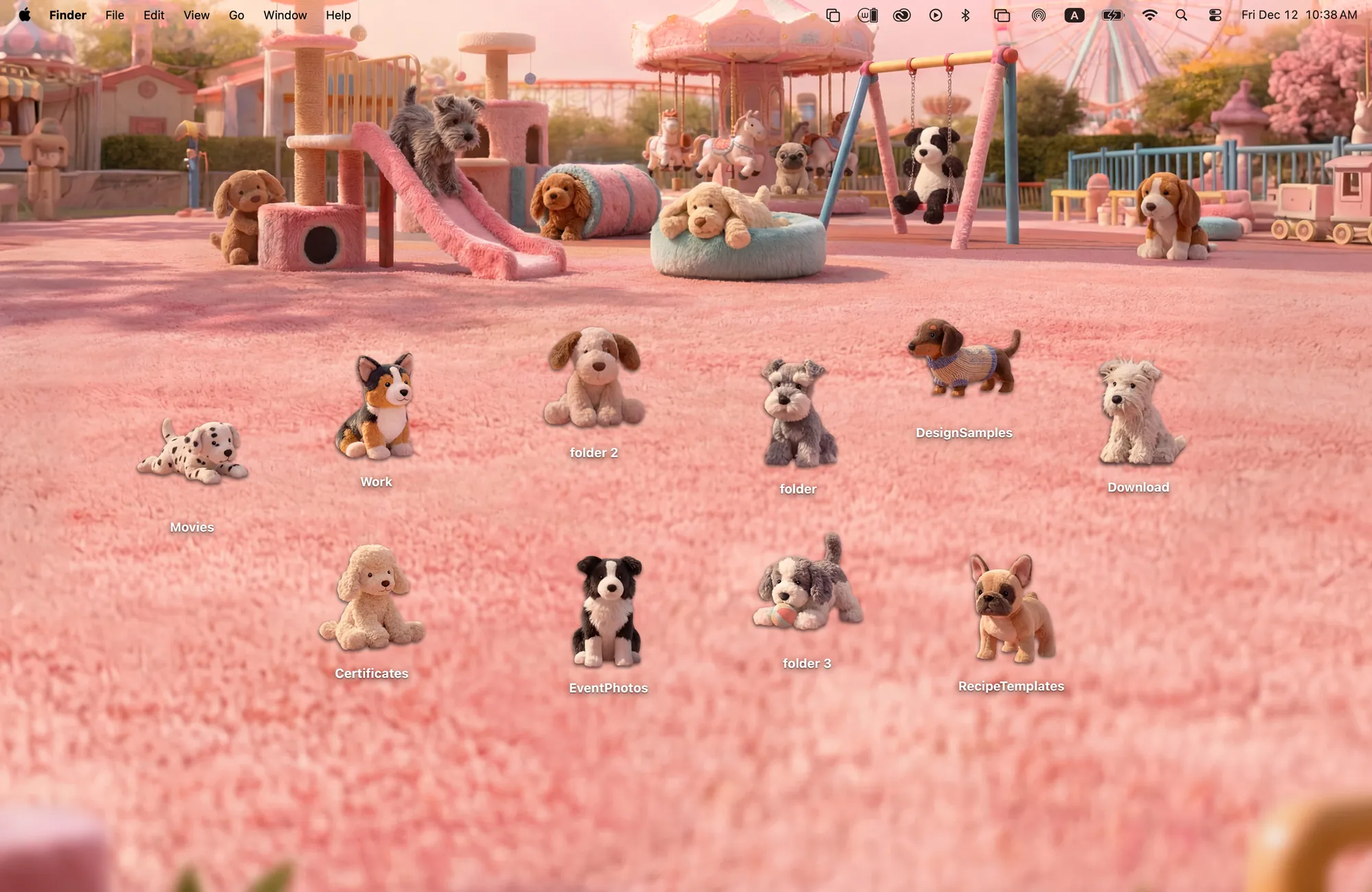
Puppy Playground pairs ten plush puppy folder icons with a pink park of slides, swings and tunnels. The puppies include different breeds and outfits. Place your most-used folders on the open grass and keep the paths clear so the scene stays easy to read.
The difference from a standalone dog wallpaper is visible straight away: the dogs move when you move your folders. You choose where each puppy sits, while the background stays in place.
For a fun winter desktop: penguins with things to do
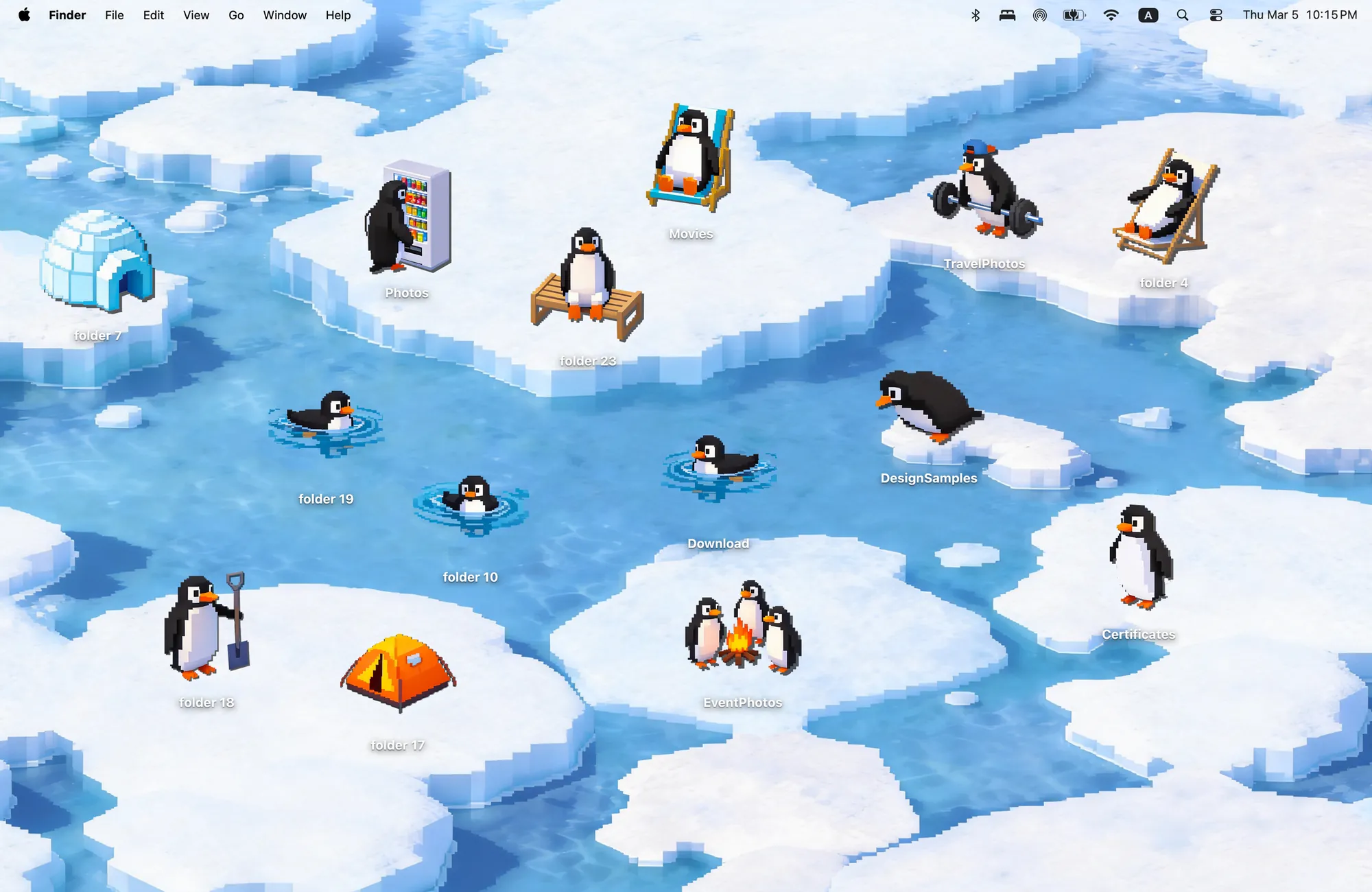
Penguin Island swaps plush textures for pixel art. Its 14 icons include penguins and camping objects: a little workout, a drink stop and a campfire all become parts of your desktop. The ice and water leave separate areas where you can arrange folders without hiding the scene.
Want animals and a matching clock? Pick Paper Village.
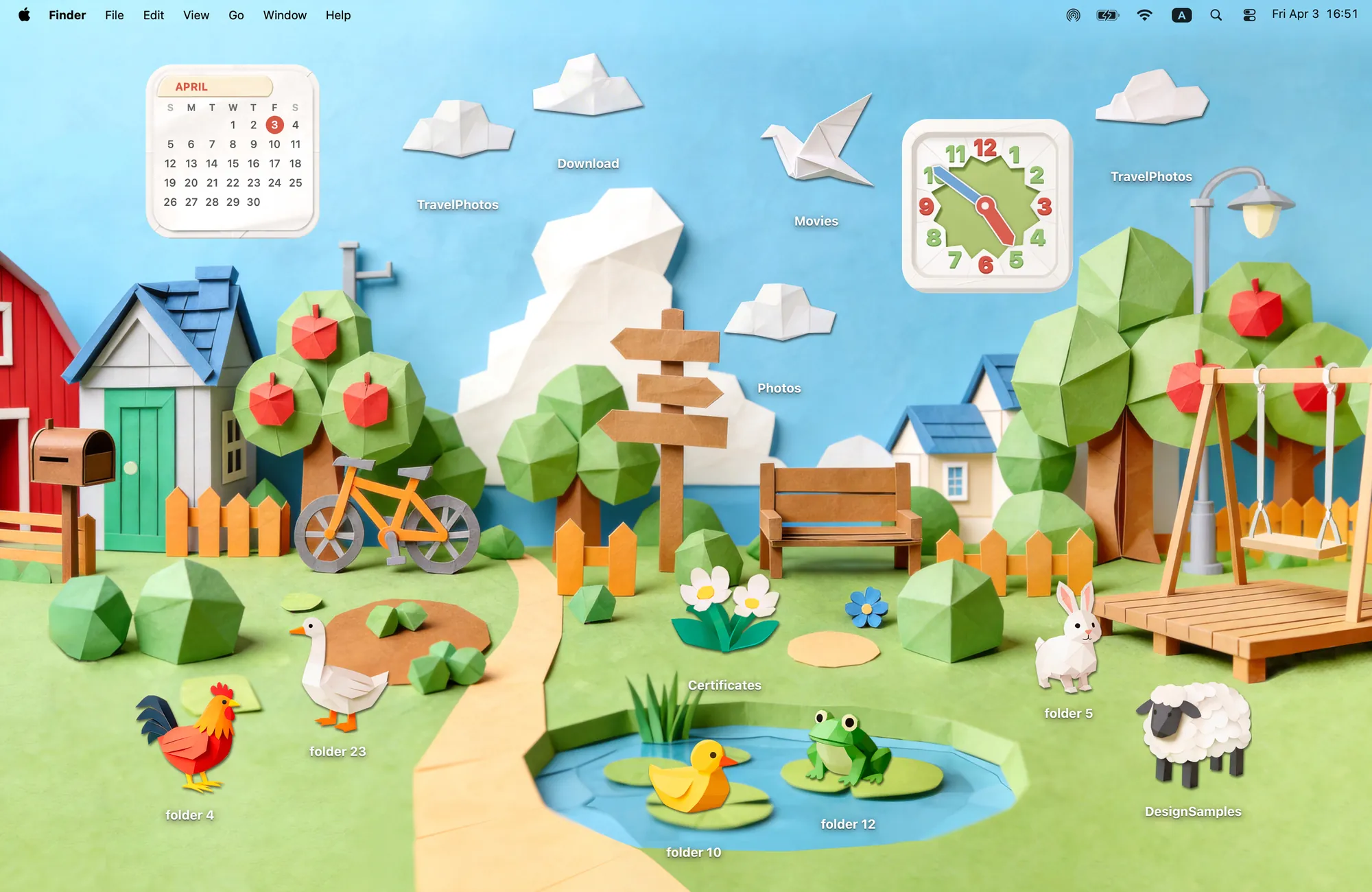
Paper Village is a folded-paper landscape with 12 folder icons, including six animals, four clouds, a crane and flowers. A duck can sit beside the pond and a sheep on the grass. Its Clock and Calendar widgets use the same paper style, so the useful details belong to the village too.
The cat, dog and penguin themes above have no matching Cozy widgets. Paper Village is the option in this collection to choose when a coordinated clock and calendar matter to you.
Set up your animal desktop
- Download Cozy from the Mac App Store and choose a theme. These animal themes require the one-time unlock.
- Click Apply to change the wallpaper and folder icons together, then arrange your folders in the scene.
- For Paper Village, open macOS Edit Widgets, search for Cozy and add its Clock and Calendar separately.
For more greenery, explore cottagecore and nature themes. For a broader comparison, see matching Mac desktop themes.
FAQ
How can I make my MacBook desktop cute?
Choose a wallpaper and folder icons drawn in the same style. Cozy turns folders into cats, dogs, penguins or paper animals that you can arrange in a matching scene. Apply the wallpaper and folder icons in Cozy.
Do the animal themes include matching widgets?
Paper Village includes a matching Clock and Calendar. Camp Kitties, Seaside Kitties, Puppy Playground and Penguin Island include wallpaper and folder icons, without matching Cozy widgets.
Are the animals animated desktop pets?
No. These animals are illustrated folder icons. You move them by dragging your folders; they do not walk around or react like virtual pets.
Get the whole look on your Mac
Cozy is free to try with Rainbow Felt. One purchase unlocks every theme, including new ones.

For Mac · macOS 14 or later