 Cozy
CozyWallpaper Engine for Mac: Can You Get Animated Wallpapers?
Wallpaper Engine does not run on Mac. Here is what does.
Wallpaper Engine is not available for Mac. Its developers say it runs on Windows and Android and there are no immediate plans for other platforms (Wallpaper Engine FAQ). To get animated wallpapers on a Mac, use the built-in Aerial wallpapers or a Mac wallpaper app. If what you really want is a desktop that feels alive and designed, a whole-desktop theme may fit better.
Can a Mac have animated wallpapers?
Yes, in two ways.
1. Built-in Aerial wallpapers (free)
- Open System Settings > Wallpaper.
- Choose one of the Aerial wallpapers, such as a landscape or cityscape.
- Turn on Show as screen saver to match the screen saver.
The Aerial video plays as a screen saver and when you log in, then slows to a still image on the desktop. It does not loop all day behind your windows.
2. Mac wallpaper apps
Apps such as Backdrop play video wallpapers continuously, and Plash shows a website as your wallpaper. Check the current price, macOS requirement and battery impact before you choose.
Wallpaper Engine vs Mac options
| Option | Mac | Moves all the time | Changes folder icons |
|---|---|---|---|
| Wallpaper Engine | No | Yes (on Windows) | No |
| macOS Aerial wallpapers | Yes, built in | No, only when you log in or unlock | No |
| Mac video wallpaper apps | Yes | Yes | No |
| Cozy | Yes | No, illustrated scenes | Yes, with matching widgets in many themes |
What many people want from Wallpaper Engine
A lot of Wallpaper Engine searches come from people who want their desktop to feel like a world, not just a moving picture behind default folders. A moving background still sits behind blue folders and system widgets.
The Cozy way: design the whole desktop as one space
Cozy is not a live wallpaper app, and it does not try to be. It treats your MacBook as a digital space and designs it the way you would design a room: the wallpaper and folder icons, plus widgets where the theme has them, are drawn together as one scene. The desktop feels alive because everything on it belongs to the same place.
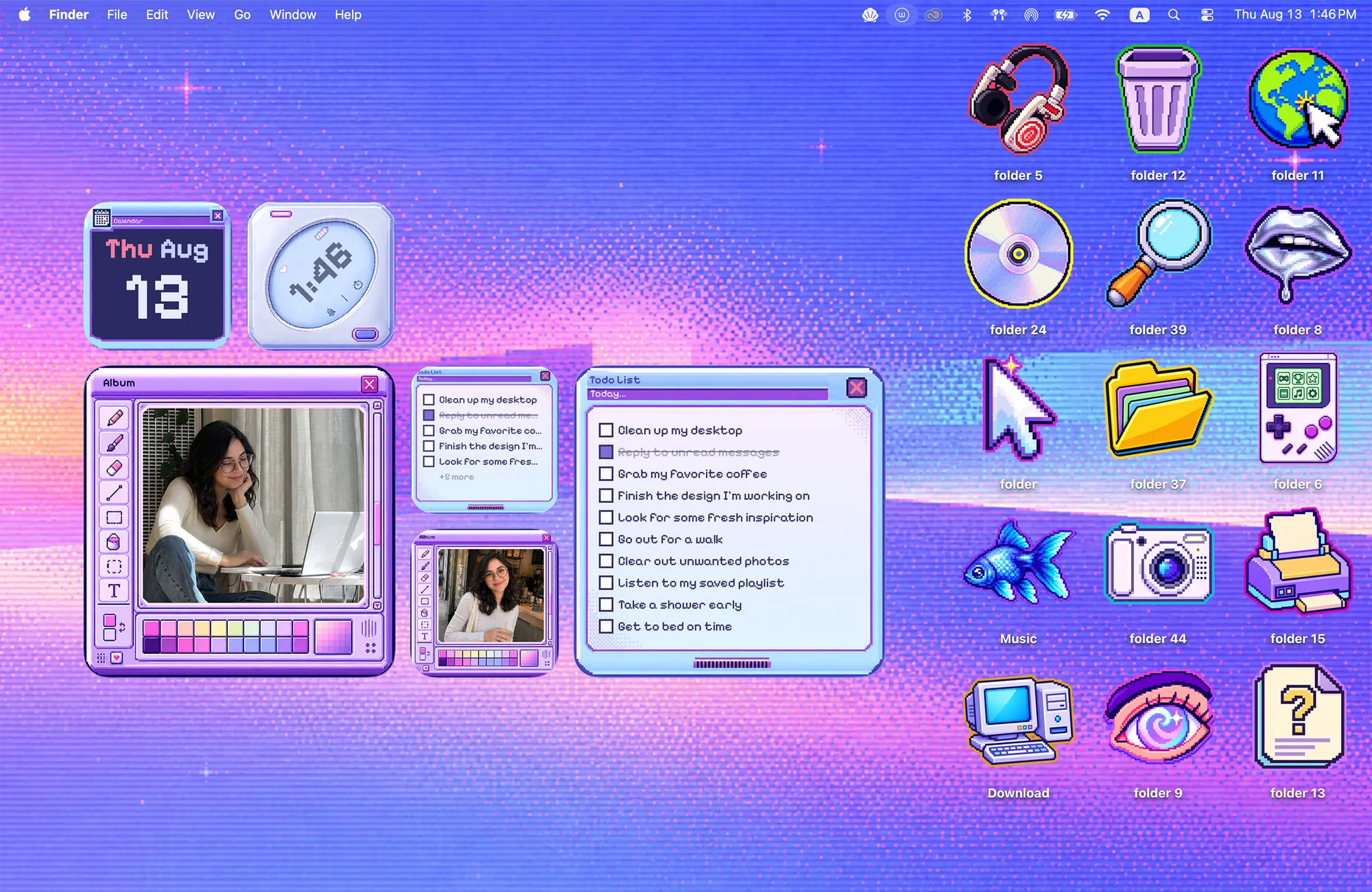
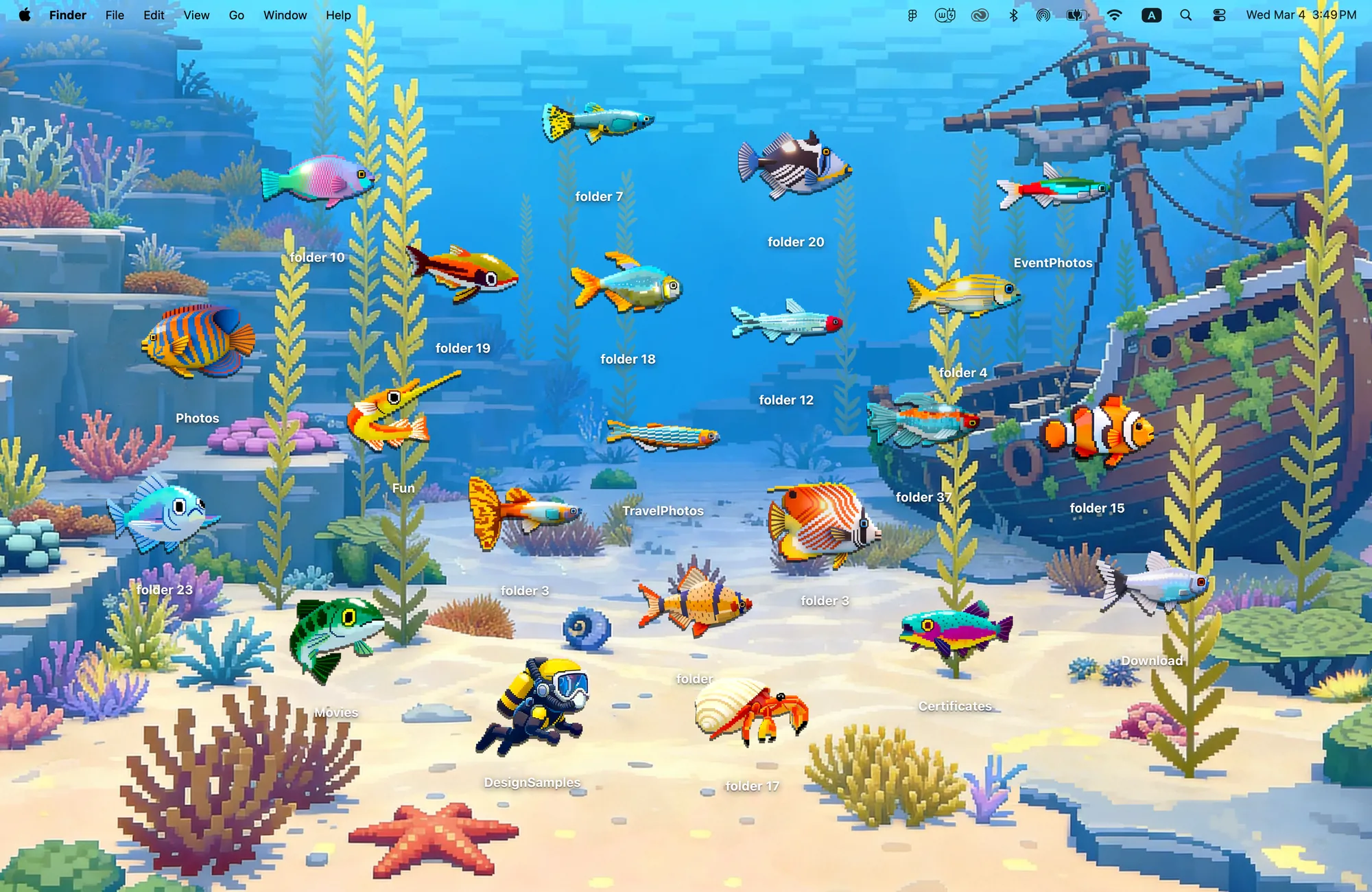
If you want your whole desktop to change style at once, download Cozy from the Mac App Store and try it free.
FAQ
Is Wallpaper Engine available on Mac?
No. The developers say Wallpaper Engine runs on Windows and Android, with no immediate plans for other platforms.
Can a Mac have animated wallpapers?
Yes. macOS includes Aerial wallpapers that move when you log in, and third-party apps can play video wallpapers continuously.
Get the whole look on your Mac
Cozy is free to try with Rainbow Felt. One purchase unlocks every theme, including new ones.
Download Cozy on the Mac App Store