 Cozy
CozyWhat Size Is a MacBook Wallpaper? Every Model
Exact wallpaper sizes in pixels for MacBook Air, MacBook Pro, MacBook Neo and iMac.
MacBook wallpaper size depends on the model. A 13-inch MacBook Air needs a 2560 by 1664 pixel wallpaper, a 15-inch MacBook Air 2880 by 1864, a 14-inch MacBook Pro 3024 by 1964, a 16-inch MacBook Pro 3456 by 2234, and MacBook Neo 2408 by 1506. Use an image at least that large, in the same shape, and it will look sharp with nothing cropped.
MacBook and iMac wallpaper sizes
| Mac | Screen | Wallpaper size (pixels) |
|---|---|---|
| MacBook Neo | 13.0-inch | 2408 × 1506 |
| MacBook Air 13-inch | 13.6-inch | 2560 × 1664 |
| MacBook Air 15-inch | 15.3-inch | 2880 × 1864 |
| MacBook Pro 14-inch | 14.2-inch | 3024 × 1964 |
| MacBook Pro 16-inch | 16.2-inch | 3456 × 2234 |
| iMac 24-inch | 23.5-inch viewable | 4480 × 2520 |
Sizes are the native resolutions from Apple's current spec pages. Older models may differ slightly; check yours in Apple menu > About This Mac > More Info > Displays.
Aspect ratio matters more than size
Current MacBook screens are a little taller than 16:9, close to 16:10. A 16:9 image, like most 4K photos, gets cropped at the top and bottom, and the menu bar and notch cover the top edge. Keep important details away from the top 5% of the image and away from the corners.
- Too small? macOS stretches it and it looks soft. Start from at least your native size.
- Wrong shape? In System Settings > Wallpaper, choose Fill Screen to crop, or Fit to Screen to keep the whole picture with bars.
- Using an iMac and a MacBook? Make the wallpaper for the bigger screen; it will scale down cleanly.
How to set a wallpaper on a MacBook
- Open System Settings and click Wallpaper.
- Click Add Photo, or Add Folder or Album, and pick your image.
- Choose Fill Screen for a full-bleed look.
The Cozy way: a wallpaper that fits and matches
A perfectly sized wallpaper still sits behind blue folders. Cozy treats your MacBook as a digital space: each theme's wallpaper and folder icons, plus widgets where the theme has them, are drawn together as one scene, and Cozy fits the scene to MacBook and iMac screens automatically.
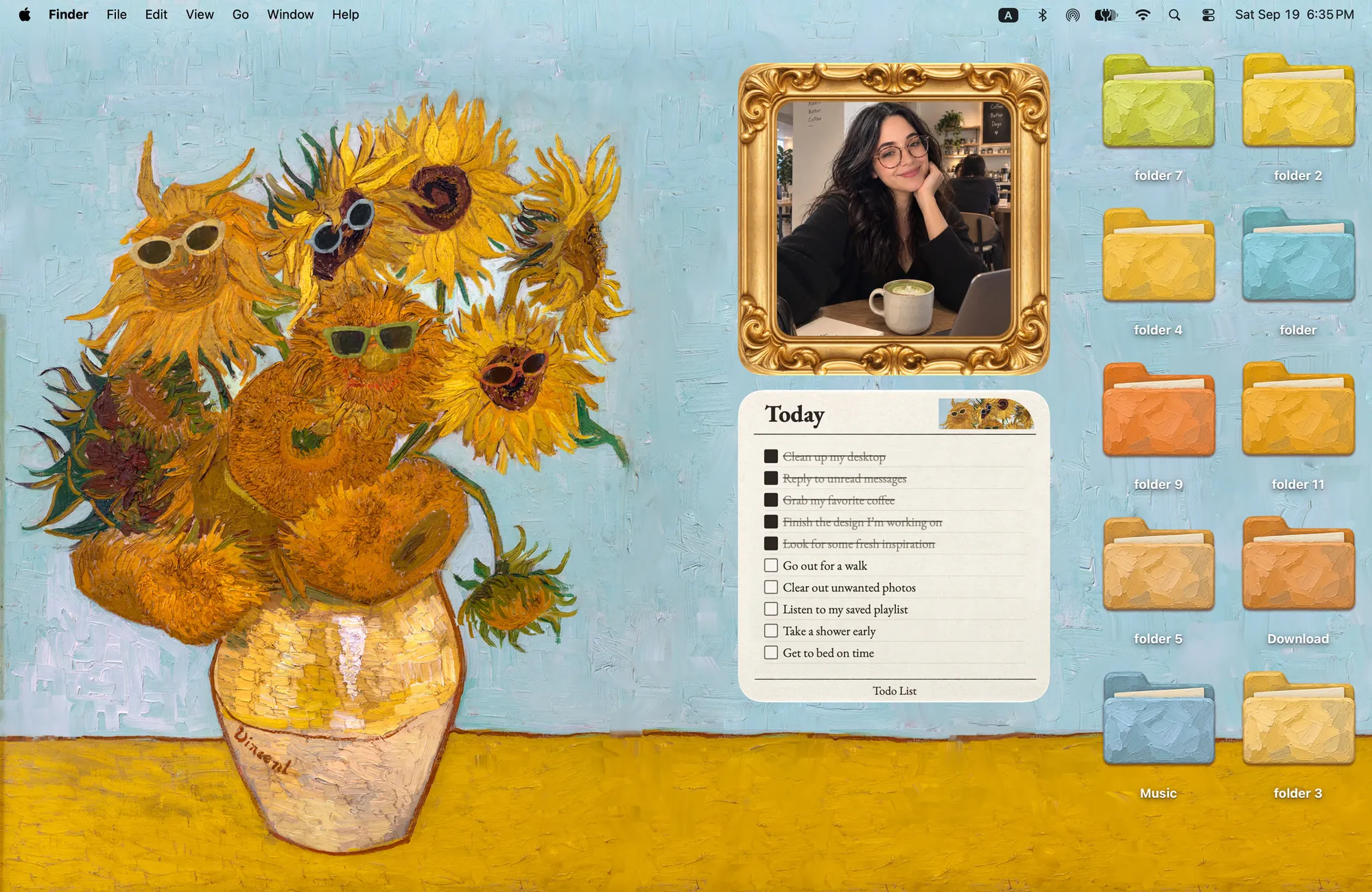
Download Cozy from the Mac App Store and try it free.
FAQ
What size is a MacBook Air wallpaper?
2560 by 1664 pixels for the 13-inch model and 2880 by 1864 for the 15-inch model.
What size is a MacBook Neo wallpaper?
2408 by 1506 pixels, the native resolution of its 13-inch display.
Get the whole look on your Mac
Cozy is free to try with Rainbow Felt. One purchase unlocks every theme, including new ones.
Download Cozy on the Mac App Store