 Cozy
CozyBest Mac Apps to Make Your Desktop Aesthetic
Wallpaper apps, icon packs, widgets and whole-desktop themes, compared honestly.
The best Mac apps for an aesthetic desktop fall into four groups: wallpaper apps, folder icon tools, widget tools and whole-desktop theme apps. Which one you need depends on how much you want to change. This guide compares the groups, names a few apps in each, and is honest about where Cozy fits. Cozy is our app, so weigh that as you read.
Quick comparison
| Type | What it changes | Examples | Good for |
|---|---|---|---|
| Built into macOS | Wallpaper, folder color and emoji, widgets | System Settings, Finder, Edit Widgets | Free, quick tweaks |
| Wallpaper apps | The background only, often moving | Plash (a website as wallpaper), Backdrop (video wallpapers) | Live or changing backgrounds |
| Icon packs | Folder and app icons | Downloadable PNG sets applied with Get Info | A single icon style |
| Whole-desktop themes | Wallpaper, folder icons and widgets together | Cozy | A finished look in one click |
Built into macOS: start here
macOS already covers a lot. Set any image as wallpaper in System Settings, use Get Info to paste a custom folder icon, and on macOS Tahoe 26 and later add a color or emoji to folders with Customize Folder. Desktop widgets, including iPhone widgets, are in Edit Widgets. See How to customize your MacBook desktop for every step.
Wallpaper apps
Choose a wallpaper app if movement or variety is what you want: video loops, a web page, a new image every day. They change the background only, so your folders and widgets stay as they are. Check each app's current price and macOS requirement before buying.
Icon packs
Icon packs give you one consistent icon style. You apply them folder by folder with Get Info, and they do not change the wallpaper, so the result depends on finding a background that matches.
Whole-desktop themes: Cozy
Most tools change one layer of your desktop, and you are left to make the layers match. Cozy treats your MacBook as a digital space and designs it the way you would design a room. In every theme, the wallpaper and folder icons, plus widgets where the theme has them, are drawn together as one scene by one illustrator. You pick a theme and click Apply.
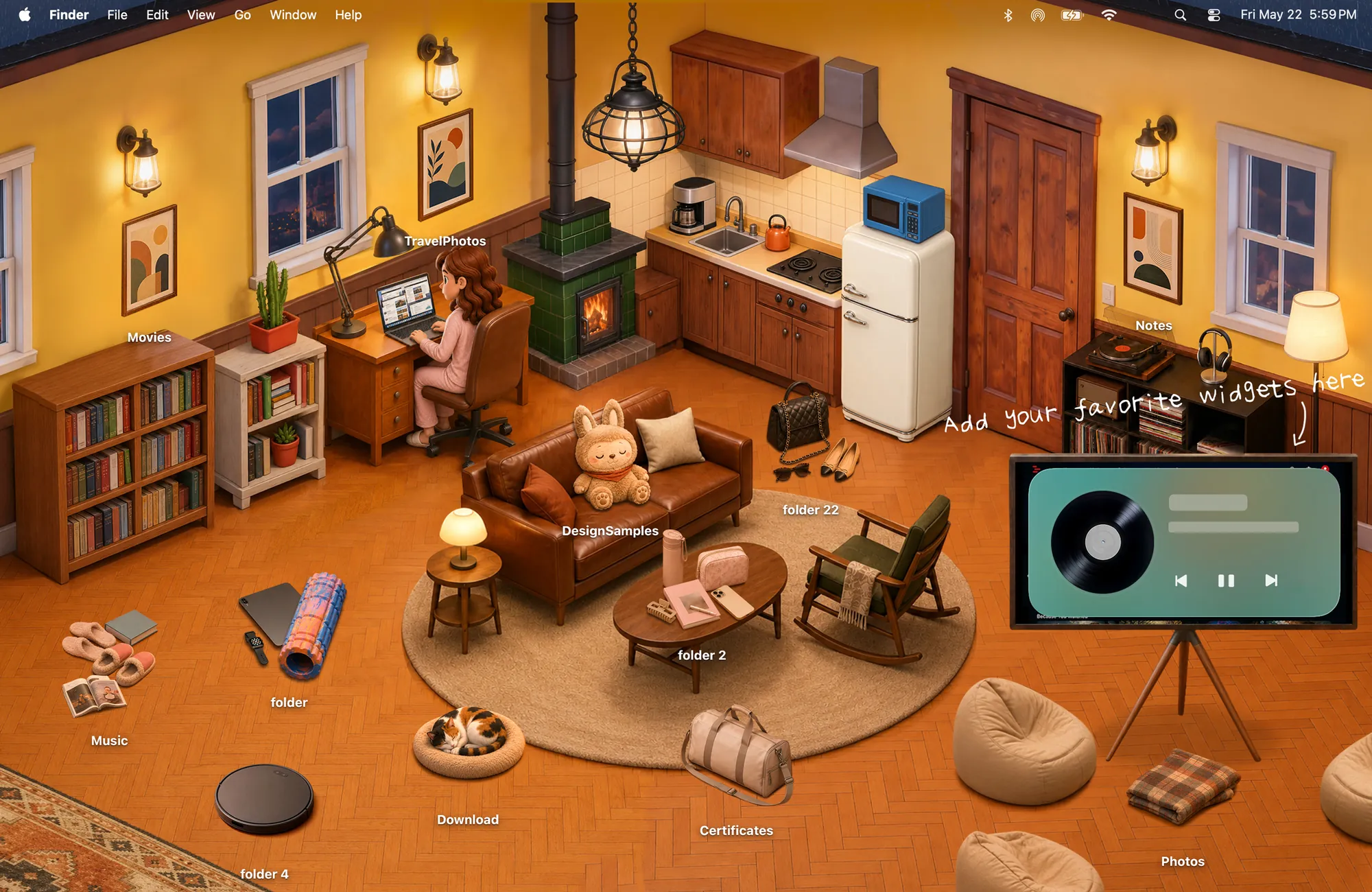
- Free to try with Rainbow Felt; one purchase unlocks every theme, with no subscription and no account.
- Native: built in Swift for macOS 14 and later, with native desktop widgets.
- Not a live wallpaper app. Cozy scenes are still illustrations. If you want video, pair a wallpaper app with your own icons instead.
Which should you pick?
- You want a moving background: a wallpaper app.
- You want to color-code a few folders: macOS Customize Folder.
- You want the whole desktop to look designed, with matching icons and widgets: Cozy.
FAQ
What is the best theme app for Mac?
It depends on what you want to change. For a moving background, a wallpaper app. For wallpaper, folder icons and widgets that match, a whole-desktop theme app like Cozy.
Get the whole look on your Mac
Cozy is free to try with Rainbow Felt. One purchase unlocks every theme, including new ones.
Download Cozy on the Mac App Store