 Cozy
CozySeaside Town
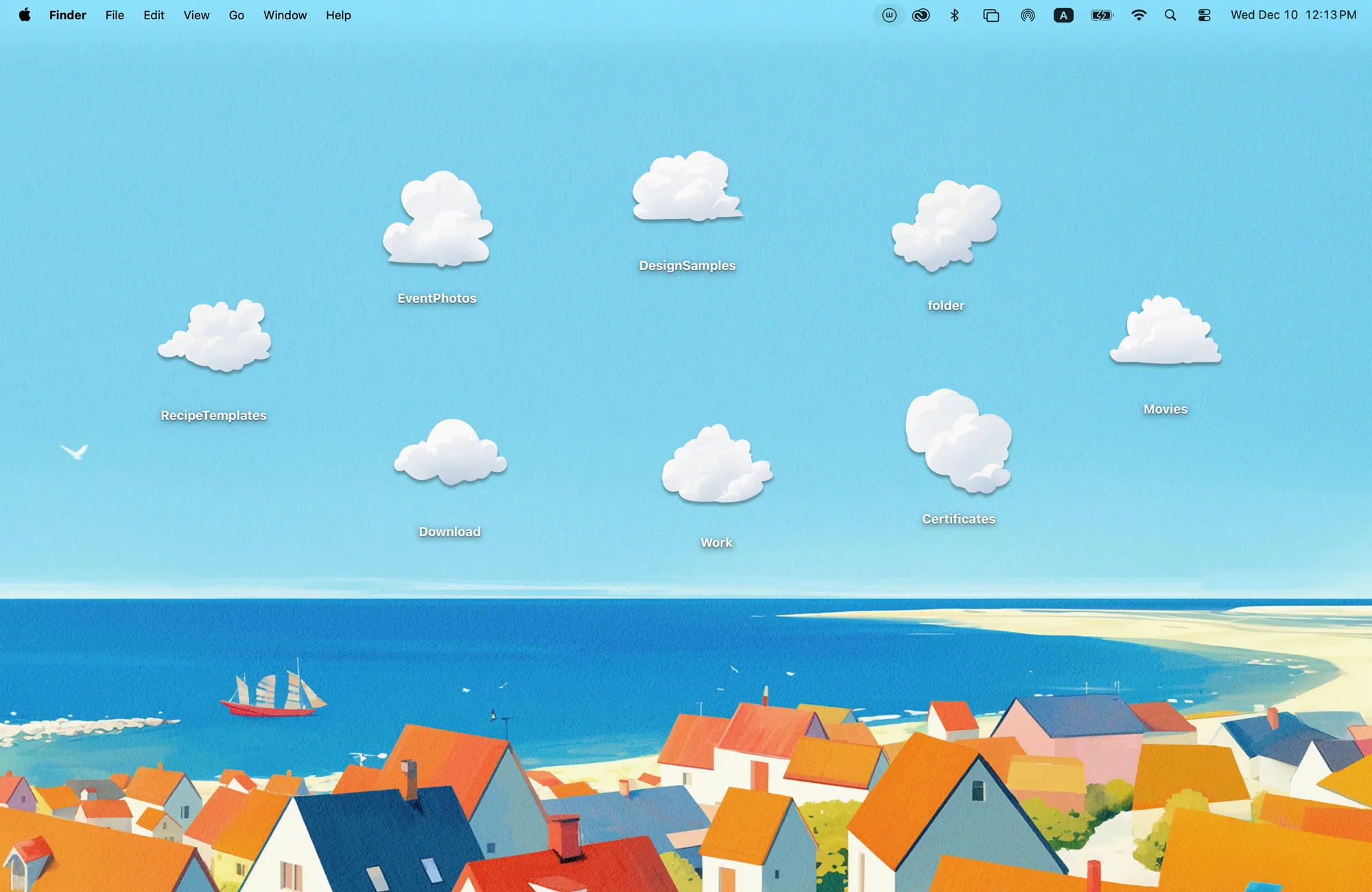
Colorful rooftops by the sparkling sea. Fluffy clouds drift over a cheerful coastal village.
Get Seaside Town in Cozy for Mac
Drift into a breezy summer sky, one cloud at a time.
What's included
- 8 folder icons: Clouds 8
- One wallpaper, drawn together with the icons
One space, designed together
Seaside Town is a coastal village of orange rooftops beside a sparkling sea, with a sailboat on the horizon. The eight folder icons are fluffy clouds, so your folders drift across a wide blue summer sky. Spread them out for a breezy day or pile them together for a cloudy one. The sky was left open on purpose, giving your folders room without covering the town.
Best for
- A bright summer desktop
- People who keep only a few folders on the desktop
- Travel lovers
How to get this look on your MacBook
- Download Cozy from the Mac App Store. It is free to try.
- Open Cozy from the menu bar and pick Seaside Town.
- Click Apply. Your desktop wallpaper and folder icons change together, and your MacBook home screen looks like the picture above.
FAQ
What are the folder icons in Seaside Town?
Eight fluffy cloud icons that float in the sky above the village.
Is there another cloud theme?
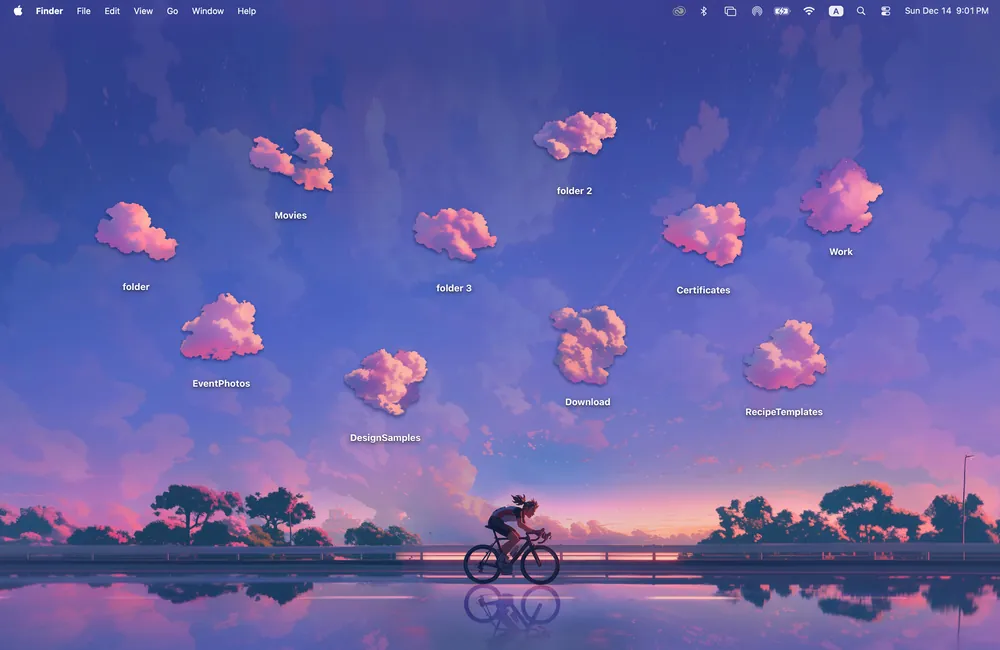
Yes. Twilight Road has ten pink cloud icons in a golden-hour sky.
Does Seaside Town work on MacBook Air, MacBook Pro and MacBook Neo?
Yes. Cozy runs on any Mac with macOS 14 or later and fits each theme to MacBook and iMac screens.
Is Seaside Town free?
Cozy is free to download with one free theme, Rainbow Felt. Seaside Town is included in the one-time unlock, along with every other theme and future ones.
Can I go back to my old folder icons?
Yes. Folder icons are a standard macOS setting, and you can restore the default icons at any time.
Get the whole look on your Mac
Cozy is free to try with Rainbow Felt. One purchase unlocks every theme, including new ones.
Download Cozy on the Mac App Store